9Proxy Not Working? Site Is Up but Proxies Won't Connect
Update — August 14, 2026: 9Proxy has officially confirmed a partial comeback. Residential GB (traffic-based) plans are restored and working — we've verified this through our own reseller channel and are selling live GB keys again. Residential IP-based plans are still down for maintenance, with no confirmed ETA from the 9Proxy team.
What works right now (verified)
Service
Status
Notes
Residential GB (traffic)
✅ Working
Restored August 14, verified via reseller channel
Residential IPs
❌ Still down
Under maintenance, ETA unknown
Official dashboard
⚠️ Unstable
Use reseller keys to skip dashboard issues
If you need GB proxies, [9Proxy GB is available again in our catalog](https://proxyuniverse.org/en/catalog/product/9proxy-gb) — activation by CDKey, no waiting for the official dashboard. If you specifically need IP-based residential, [HideProxy](https://proxyuniverse.org/en/catalog/product/hide-proxy) remains the closest working alternative until 9Proxy finishes maintenance.
The 9Proxy situation in 2026 is odd: the website loads, the dashboard logs you in, your balance is there — but the proxies themselves won't connect. Timeouts, auth failures, empty lists of alive IPs. If that's you, you're not alone: users across different countries report the same thing. Here's what's going on, how to rule out your side in 10 minutes, and what to do next.
The symptoms: site alive, proxies dead
This is the classic S5-service degradation pattern: the storefront works (a website is cheap static hosting), while the proxy infrastructure — the expensive part — crumbles. Listed IPs don't respond, login/password auth fails, freshly bought addresses die within minutes. Meanwhile the site keeps accepting payments — and that's the trap: a working website ≠ a working service.
The 10-minute checklist: rule out your side first
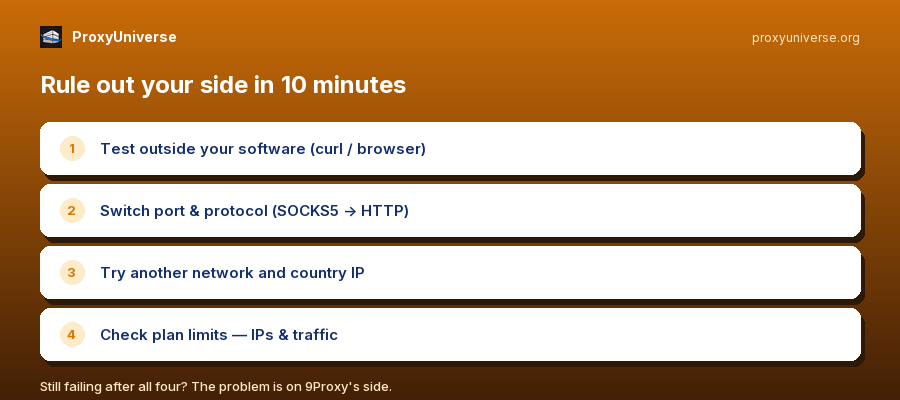
Test the proxy outside your software — plain curl or browser proxy settings. If it fails there too, it's not your antidetect.
Switch port and protocol — SOCKS5 → HTTP(S), another port from your credentials.
Try another device/network — rule out your ISP blocking.
Take an IP from another country — sometimes not all locations fail at once.
Check your plan limits — IPs/traffic may simply be exhausted.
If proxies still fail after all five steps, the problem is on 9Proxy's side — and waiting for it to "fix itself" can take weeks.
What to do with your balance
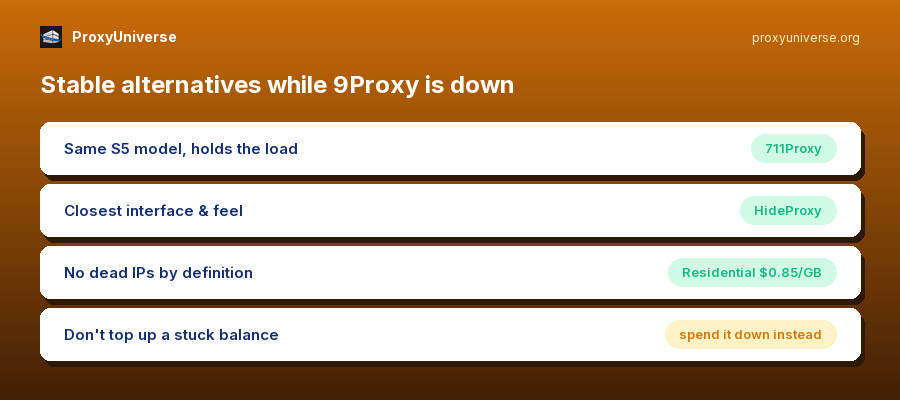
While the service still responds, spend the balance on what still works: test locations one by one, grab the alive ones. Don't top up hoping it "starts working after a deposit" — that's the classic mistake of adding money to a stuck service. File a support ticket with facts (IPs, timestamps, errors): if the service recovers, you'll have a paper trail for compensation.
Stable alternatives with the same model
711Proxy — the same SOCKS5 pay-per-IP model with geo selection; it's where most 9Proxy users are migrating right now, and the infrastructure holds the load.
HideProxy — closest to 9Proxy in interface and feel, with a fresh pool.
Residential GB packs — from $0.85/GB if your tasks survive rotation: traffic never expires, and dead IPs don't exist by definition.
All of it lives in the ProxyUniverse catalog under one balance: 1-minute delivery, replacement on request — and most importantly, your money isn't tied to the fate of a single pool.
Bottom line
A live 9Proxy website is not proof of a live service: proxy infrastructure degrades independently of the storefront. Run the checklist, spend down what still works, don't top up — and move your workload somewhere connections are stable. If 9Proxy fully recovers, coming back is easy.